EC2 in a Private Subnet Can't Reach the Internet: A 6-Step Check
An EC2 instance in a private subnet with no internet access is almost always a routing problem. Check the NAT gateway, route tables, security groups and NACLs.
When an EC2 instance in a private subnet can't reach the internet, the cause is almost always routing. The private subnet needs a route sending 0.0.0.0/0 to a NAT gateway, and that NAT gateway must live in a public subnet that routes 0.0.0.0/0 to an internet gateway. If routing is right, check security groups, network ACLs and DNS, in that order.
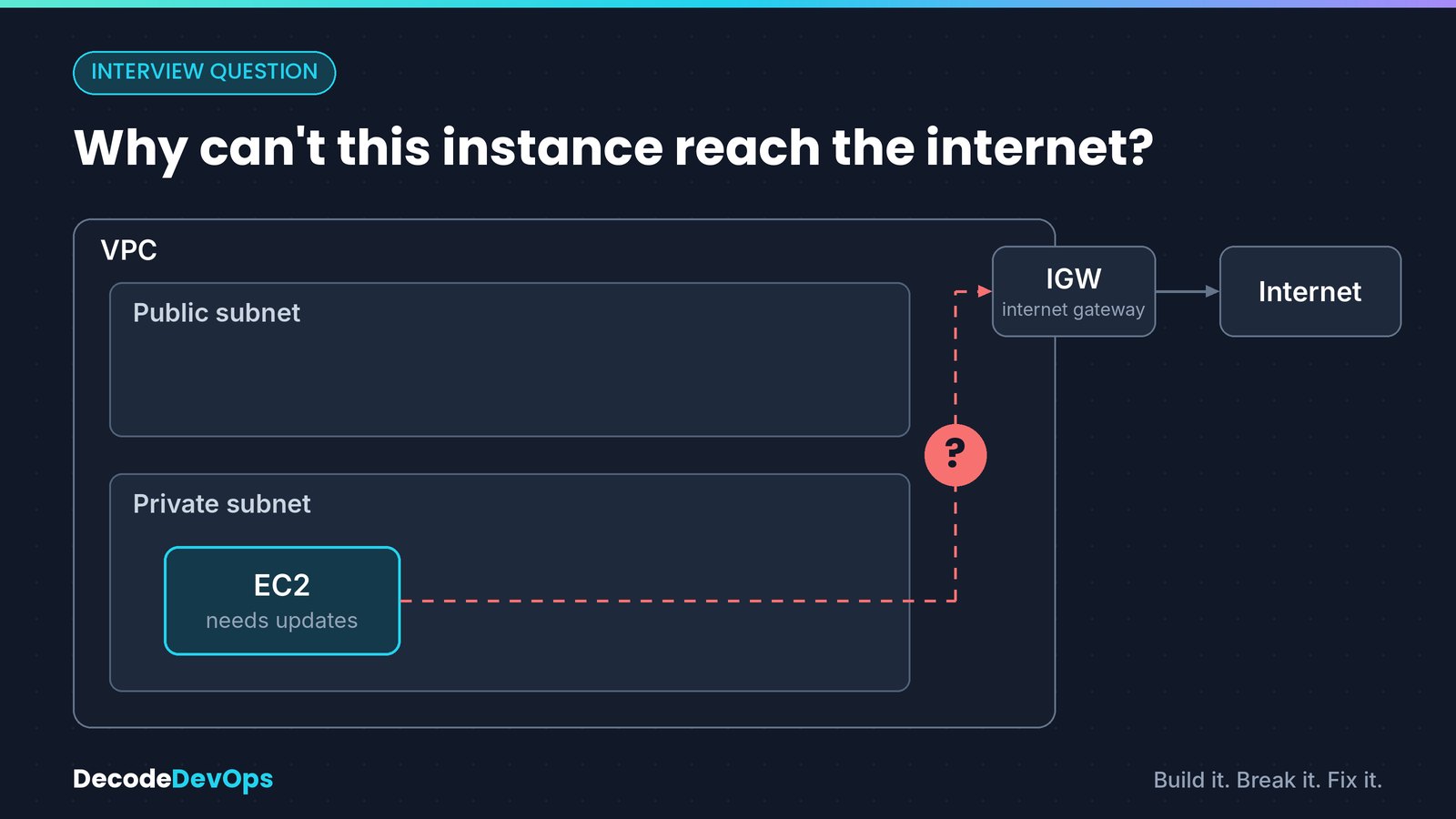
The symptom#
From the instance (through Session Manager or a bastion host), outbound requests hang:
$ curl -sS -m 10 https://example.com -o /dev/null
curl: (28) Connection timed out after 10001 milliseconds
$ sudo dnf update
Error: Failed to download metadata for repo 'amazonlinux': Cannot download repomd.xml
A timeout, rather than an immediate error, usually means packets leave the instance and never get an answer: a routing or filtering problem.
How the path is supposed to work#
| Hop | What it needs |
|---|---|
| Instance in private subnet | Private route table: 0.0.0.0/0 → nat-xxxx |
| NAT gateway | Lives in a public subnet, has an Elastic IP, state Available |
| Public subnet | Public route table: 0.0.0.0/0 → igw-xxxx |
| Internet gateway | Attached to the VPC |
Work through the checks below in order. Each one rules out a hop.
1. Check the private subnet's route table#
Find the route table actually associated with the instance's subnet. If the subnet has no explicit association, it uses the VPC's main route table, which is a common surprise.
SUBNET=$(aws ec2 describe-instances --instance-ids i-0abc123 \
  --query 'Reservations[0].Instances[0].SubnetId' --output text)

aws ec2 describe-route-tables \
  --filters Name=association.subnet-id,Values=$SUBNET \
  --query 'RouteTables[].Routes[]' --output table
You want a route with destination 0.0.0.0/0 and target nat-…. If the command returns nothing, the subnet is using the main route table: check that one instead.
Fix: add the route.
aws ec2 create-route --route-table-id rtb-private \
  --destination-cidr-block 0.0.0.0/0 --nat-gateway-id nat-0def456
Route state
A route showing blackhole points at a NAT gateway that has been deleted. Replace the route with one to a working NAT gateway.
2. Check the NAT gateway itself#
aws ec2 describe-nat-gateways --nat-gateway-ids nat-0def456 \
  --query 'NatGateways[0].[State,SubnetId,ConnectivityType]' --output text
Confirm three things:
- State is
available, notpending,failedordeleted. - Type is
public. AprivateNAT gateway can't reach the internet. - Subnet is a public subnet, which the next step checks. Putting the NAT gateway in the same private subnet as the instance is the most common mistake.
3. Check the public subnet's route table#
Look up the route table for the NAT gateway's subnet, using the same command as step 1. It needs 0.0.0.0/0 → igw-…, and the internet gateway must be attached to the VPC:
aws ec2 describe-internet-gateways \
  --filters Name=attachment.vpc-id,Values=vpc-0123 \
  --query 'InternetGateways[].Attachments[]'
4. Check the instance's security group outbound rules#
Security groups are stateful: if outbound traffic is allowed, the reply is allowed back automatically. New security groups allow all outbound traffic by default, but teams often tighten this.
aws ec2 describe-security-groups --group-ids sg-0aaa111 \
  --query 'SecurityGroups[0].IpPermissionsEgress'
Make sure outbound TCP 443 (and 80, if you need it) to 0.0.0.0/0 is allowed, plus DNS if you use a resolver outside the VPC.
5. Check network ACLs in both directions#
Network ACLs are stateless, so you must allow both the request and the reply. This is where most careful setups still break. Check the ACLs on the private subnet and the public subnet:
| Subnet | Direction | Allow | Why |
|---|---|---|---|
| Private | Outbound | TCP 443 to 0.0.0.0/0 |
The request |
| Private | Inbound | TCP 1024–65535 from 0.0.0.0/0 |
The reply to the instance's ephemeral port |
| Public | Inbound | TCP 443 from the private subnet CIDR | The request reaching the NAT gateway |
| Public | Outbound | TCP 443 to 0.0.0.0/0 |
The NAT gateway's request to the internet |
| Public | Inbound | TCP 1024–65535 from 0.0.0.0/0 |
The reply to the NAT gateway |
| Public | Outbound | TCP 1024–65535 to the private subnet CIDR | The reply forwarded back to the instance |
The default network ACL allows everything, so this only bites when someone has created custom ACLs. The usual miss is the inbound ephemeral port range.
6. Check DNS#
If curl https://1.1.1.1 -k works but curl https://example.com doesn't, it's DNS, not routing. The VPC needs DNS resolution enabled:
aws ec2 describe-vpc-attribute --vpc-id vpc-0123 --attribute enableDnsSupport
EnableDnsSupport should be true. Also check that /etc/resolv.conf on the instance points at the VPC resolver (the VPC CIDR base plus two, or 169.254.169.253).
Reaching S3 without a NAT gateway#
If the instance mainly needs S3, for example to pull artifacts, add a gateway VPC endpoint for S3. It adds a route to S3 in your private route table, needs no NAT gateway, and has no hourly or data processing charge. DynamoDB has the same option. For other AWS services, interface endpoints (AWS PrivateLink) work too, but they are billed per hour and per GB.
Quick checklist#
- Private route table (or the main one) has
0.0.0.0/0 → nat-… - NAT gateway is
available,public, with an Elastic IP - NAT gateway is in a public subnet
- Public route table has
0.0.0.0/0 → igw-…, and the internet gateway is attached - Security group allows outbound 443
- Network ACLs allow replies on ports 1024–65535, in both subnets
- VPC DNS support is enabled
The production lesson#
A NAT gateway is per Availability Zone. If every private subnet routes through one NAT gateway and that AZ has a problem, every private instance loses internet access at once. For production, run one NAT gateway per AZ and point each private subnet at the NAT gateway in its own AZ. That also avoids cross-AZ data transfer charges.
FAQ
Why can't my EC2 instance in a private subnet reach the internet?
A private subnet has no route to an internet gateway by design. It needs a route of 0.0.0.0/0 to a NAT gateway, and that NAT gateway must sit in a public subnet whose route table sends 0.0.0.0/0 to the internet gateway.
Can I put the NAT gateway in the private subnet?
No. A public NAT gateway must be in a public subnet, one whose route table has a route to the internet gateway. If it's in the private subnet, its own traffic has nowhere to go.
Do I need a NAT gateway to reach S3 from a private subnet?
No. A gateway VPC endpoint for S3 adds a route to S3 in your route table at no extra charge, so S3 traffic doesn't need the NAT gateway.
Does a private instance need a public IP to reach the internet through NAT?
No. The NAT gateway uses its own Elastic IP for outbound traffic. The instance only needs its private IP.
Practise this
AWS Architecture, Decoded
A visual AWS guide for your phone: 98 pages, 45+ diagrams and 7 architectures, following one app from a single server to event-driven.